Installing Python and Jupyter on Windows 10
Posted On December 8, 2020
This article will show you the easiest, non-technical way to install Python and Jupyter on Windows 10.
The simplest way to install Python, Jupyter, other great python tools, simply download and install anaconda.
Following are detailed steps:
- Go to anaconda.com
- Go to Products > Individual Edition
- Scroll all the to the bottom of the page and choose 64-Bit Graphical Installer for Windows. See screenshot below:

- Double-click on the install file to run it.
- Just keep the default options for every step in the wizard
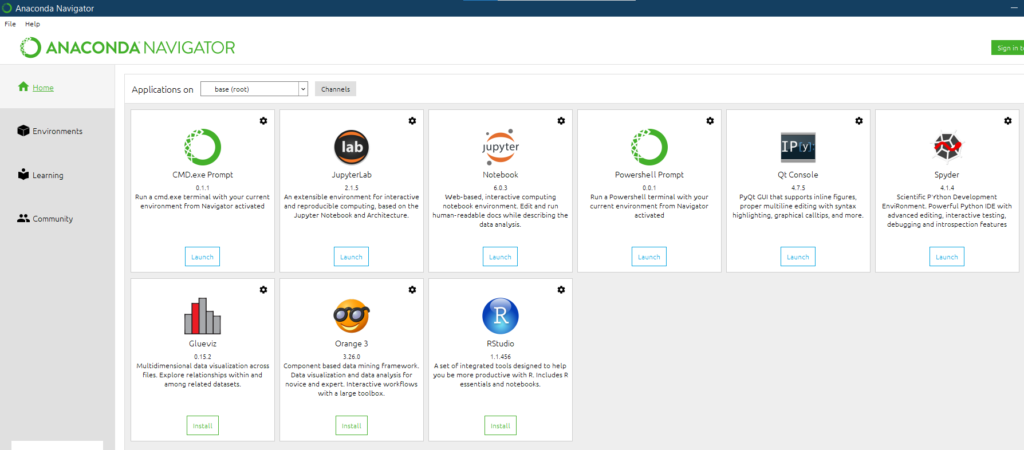
- Once the installation is complete, open the Anaconda Navigator App

You should see a interface like the following:
Running Jupyter
- Click on Jupyter Notebook Launch button.
- Choose to open it in Google Chrome.
- Then click on New > Python 3

- A Jupyter windows should open now.
- Type print(“hello world”) in the In [1] textfield
- Click on the run icon to run the code
